
Ring Progress Bar#
The RingProgressBar widget is a circular progress bar designed to visualize the progress of tasks in a clear and intuitive manner. This widget is particularly useful in applications where task progress needs to be represented as a percentage. The Ring Progress Bar can be controlled directly via its API or can be hooked up to track the progress of a device readback or scan, providing real-time visual feedback.
Key Features:
Circular Progress Visualization: Displays a circular progress bar to represent task completion.
Device and Scan Integration: Hooks into device readbacks or scans to automatically update the progress bar based on real-time data.
Multiple Rings: Supports multiple progress rings within the same widget to track different tasks in parallel.
Customizable Visual Elements: Allows customization of colors, line widths, and other visual elements for each progress ring.
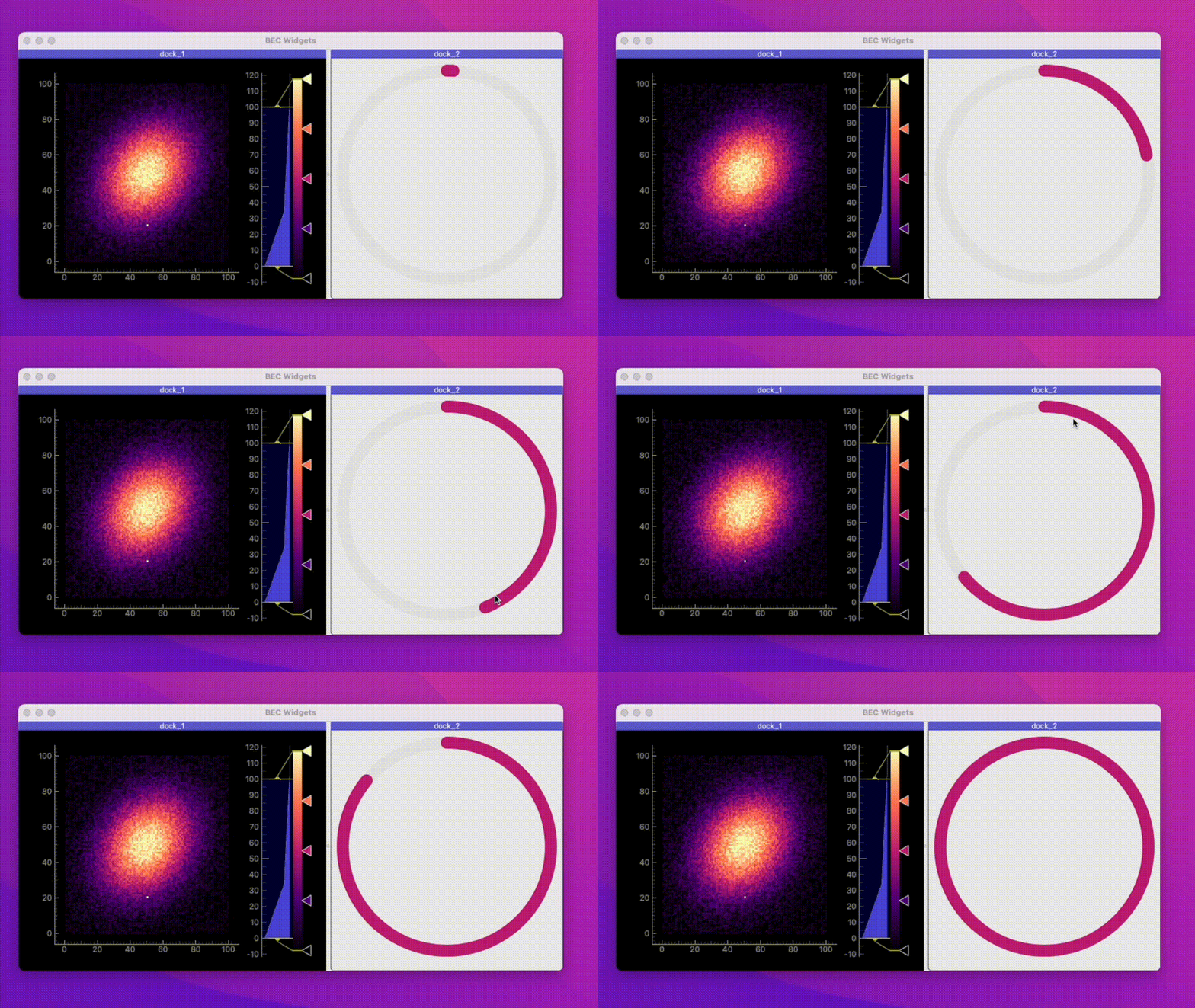
Example 1 - Adding Ring Progress Bar to BECDockArea
In this example, we demonstrate how to add a RingProgressBar widget to a BECDockArea to visualize the progress of a task.
# Add a new dock with a RingProgressBar widget
dock_area = gui.new() # Create a new dock area
progress = dock_area.new(gui.available_widgets.RingProgressBar)

# Add a ring to the RingProgressBar
progress.add_ring()
ring = progress.rings[0]
ring.set_value(50)  # Set the progress value to 50
Example 2 - Adding Multiple Rings to Track Parallel Tasks
By default, the RingProgressBar widget displays a single ring. You can add additional rings to track multiple tasks simultaneously.
# Add a second ring to the RingProgressBar
progress.add_ring()

# Customize the rings
progress.rings[1].set_value(30)  # Set the second ring to 30
Example 3 - Integrating with Device Readback and Scans
The RingProgressBar can automatically update based on the progress of scans or device readbacks. This example shows how to set up the progress rings to reflect these updates.
# Set the first ring to update based on scan progress
progress.rings[0].set_update("scan")

# Set the second ring to update based on a device readback (e.g., samx)
progress.rings[1].set_update("device", "samx")
- class RingProgressBar(gui_id: str | None = None, config: dict | None = None, object_name: str | None = None, parent=None, **kwargs)[source]#
Bases:
RPCBase- add_ring(config: dict | None = None) bec_widgets.widgets.progress.ring_progress_bar.ring.Ring[source]#
Add a new ring to the ring progress bar. Optionally, a configuration dictionary can be provided but the ring can also be configured later. The config dictionary must provide the qproperties of the Qt Ring object.
- Parameters:
config (dict | None) – Optional configuration dictionary for the ring.
- Returns:
The newly added ring object.
- Return type:
- detach()[source]#
Detach the widget from its parent dock widget (if widget is in the dock), making it a floating widget.
- remove_ring(index: int | None = None)[source]#
Remove a ring from the ring progress bar. :param index: Index of the ring to remove. If None, removes the last ring. :type index: int | None
- property rings: list[bec_widgets.widgets.progress.ring_progress_bar.ring.Ring]#
None
- screenshot(file_name: str | None = None)[source]#
Take a screenshot of the dock area and save it to a file.