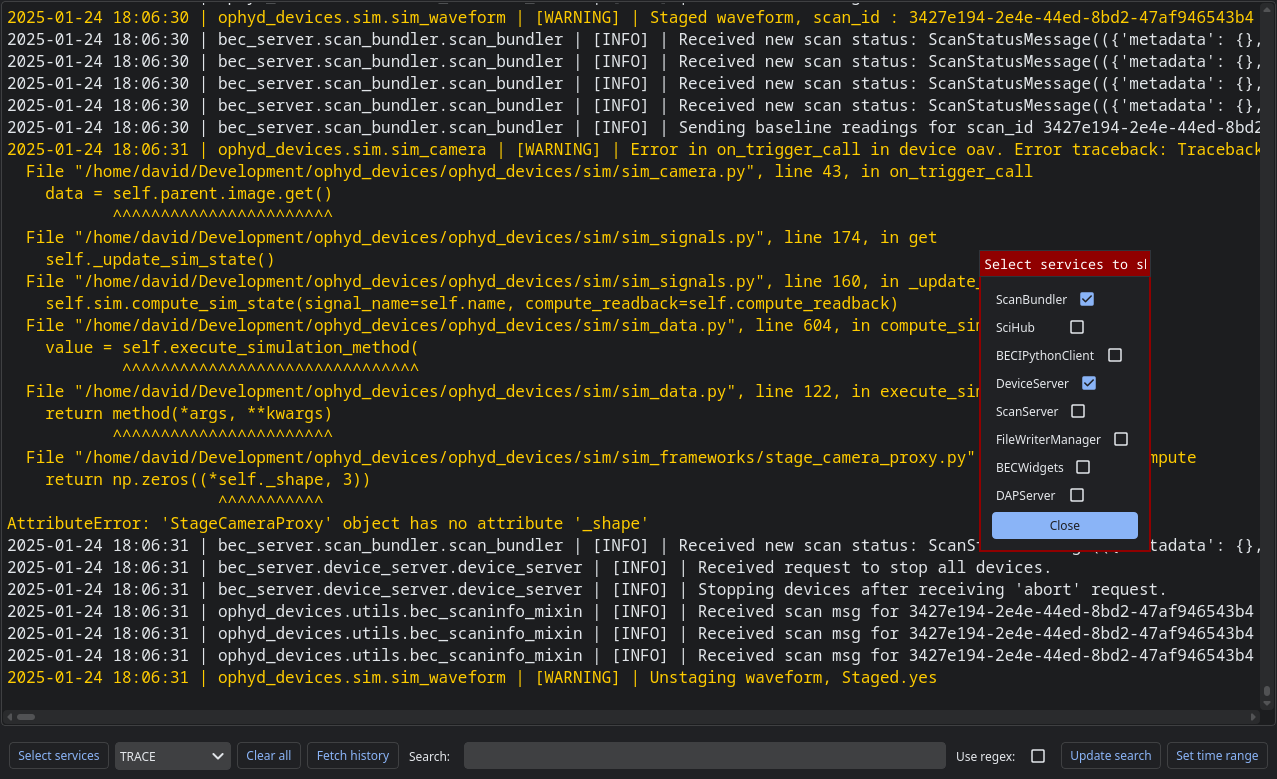
LogPanel widget#
The LogPanel widget can be used to view logs:
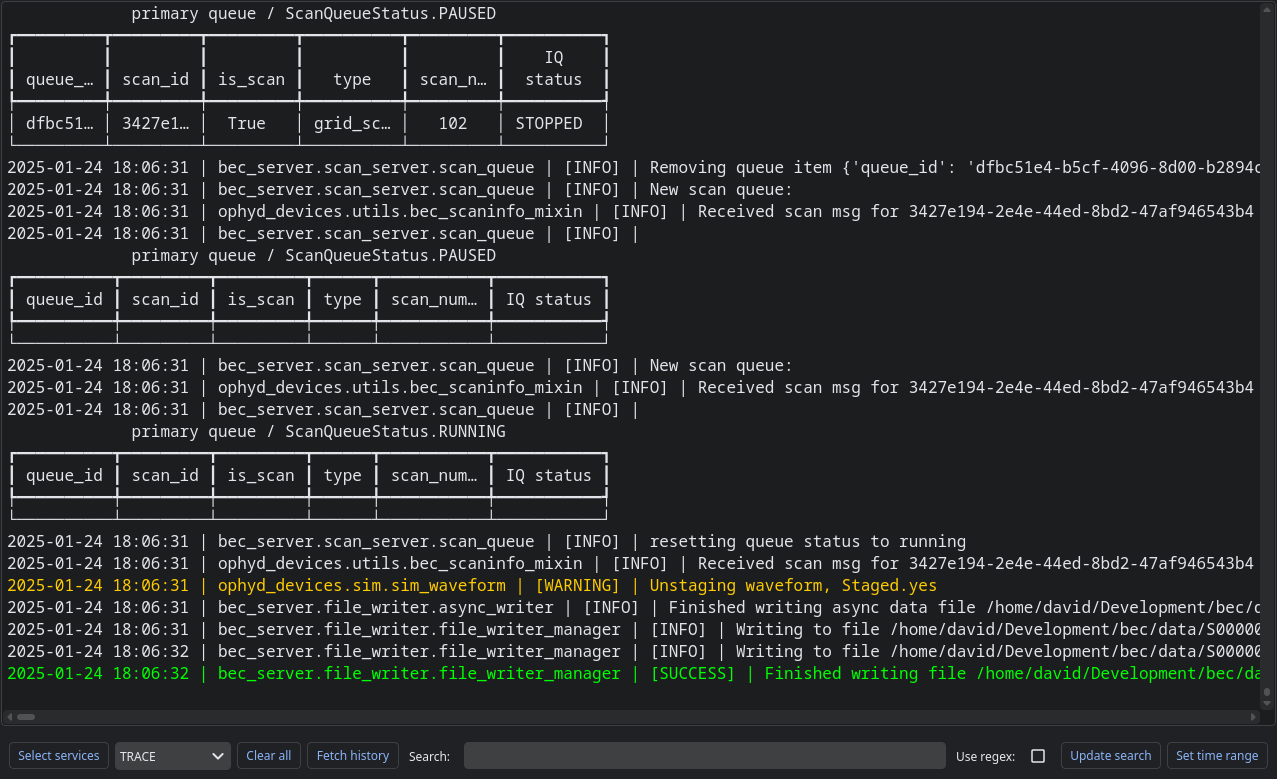
It automatically subscribes to log updates. You can fetch the log history with the “Fetch history” button.
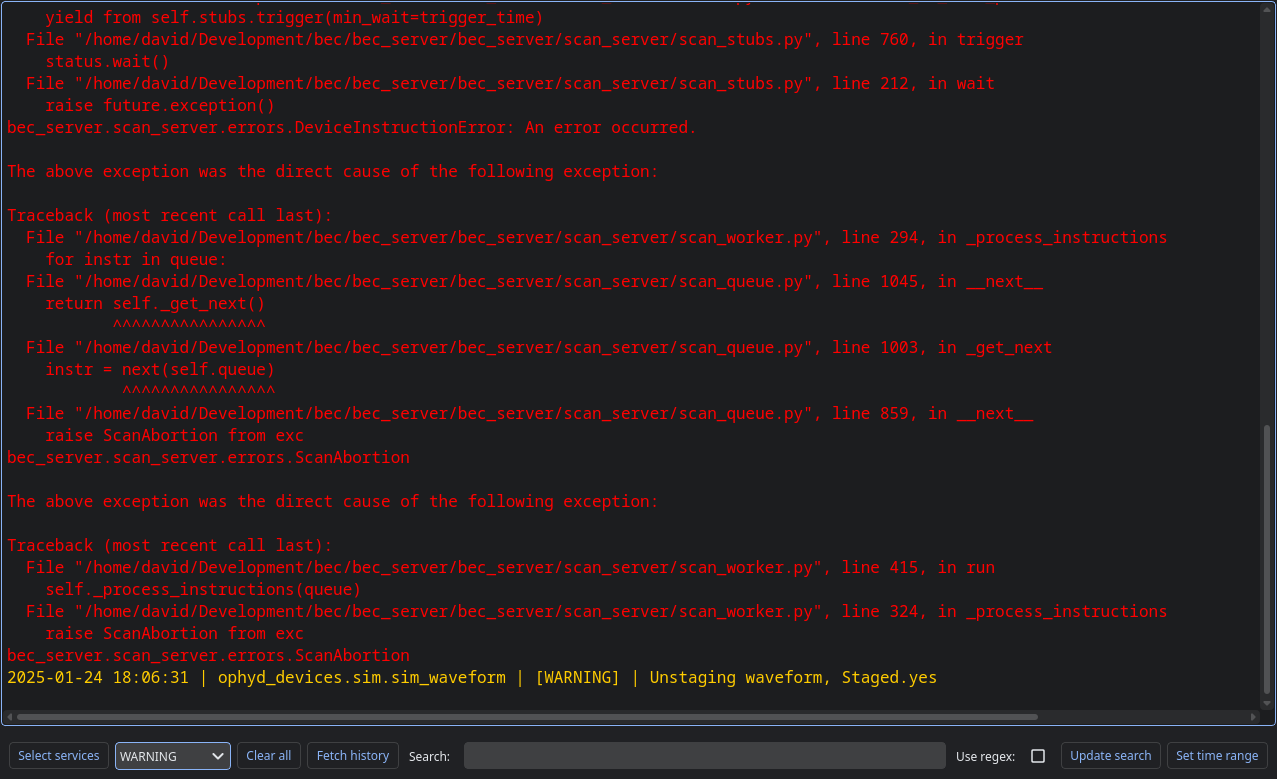
Filtering based on log level#
If you select a dropdown box, only logs of that priority level or higher will be displayed:
Filtering based on a search string#
If you type in a search string into the box in the toolbar, and hit enter or press the update button, that filter will be applied:
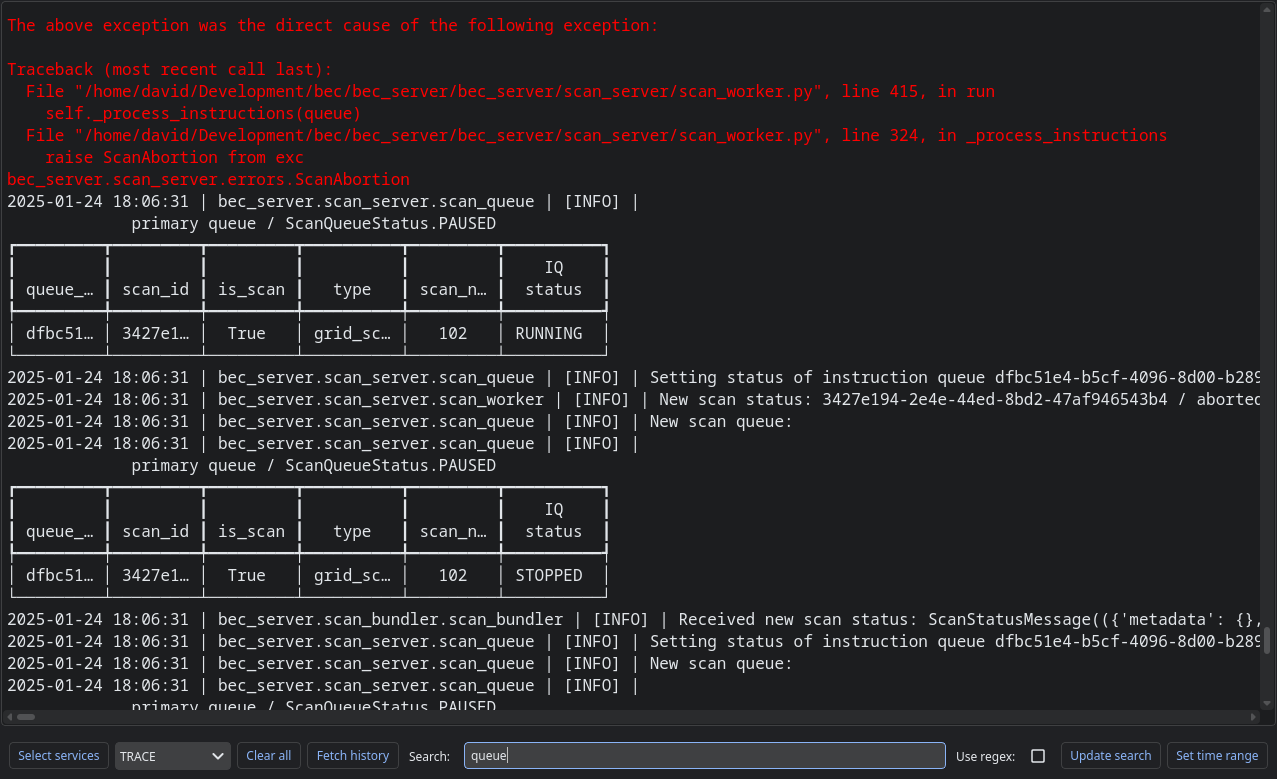
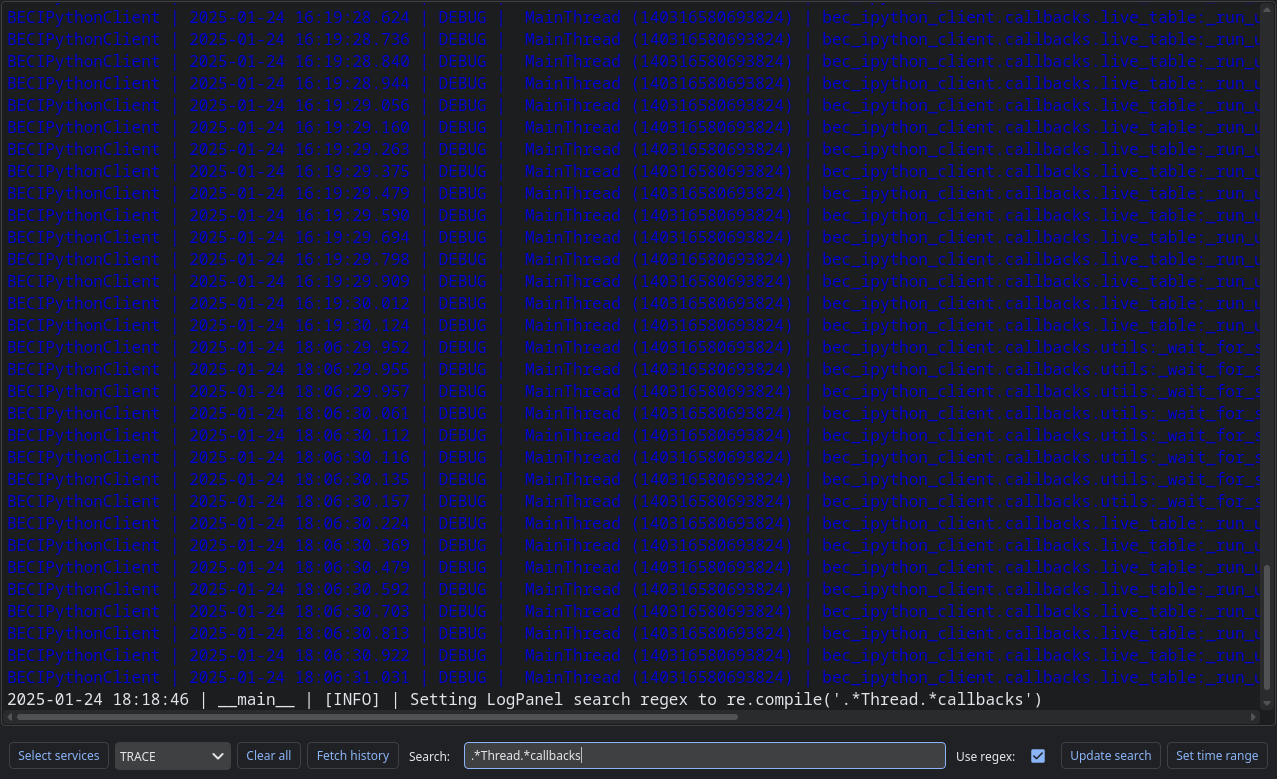
This search uses the Python regular expression syntax if the checkbox for this option is selected:
Filtering based on time range#
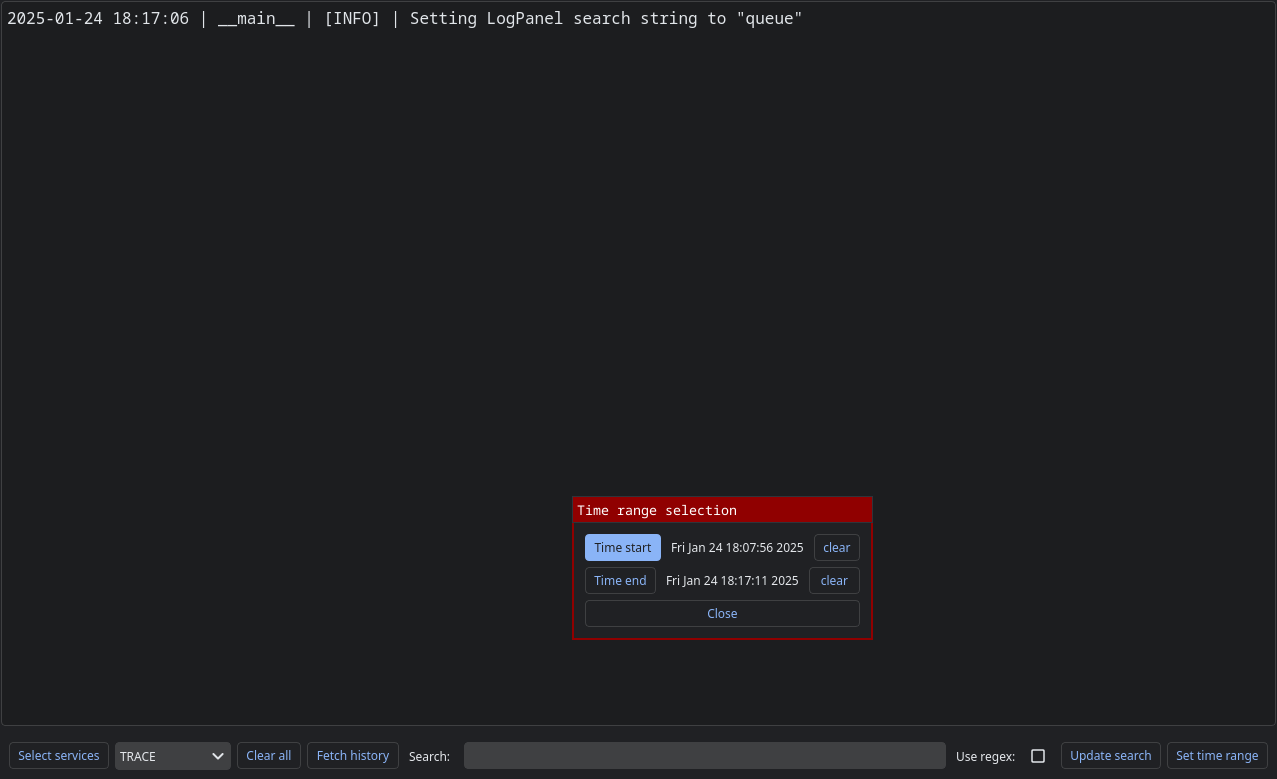
You may filter the logs to those occurring within a given time range.
Filtering based on service#
You can select which services to show logs from.